Task 6 – 3D GEOLOGICAL MODEL DESIGN, DEVELOPMENT & IMPLEMENTATION
Activities & Milestones
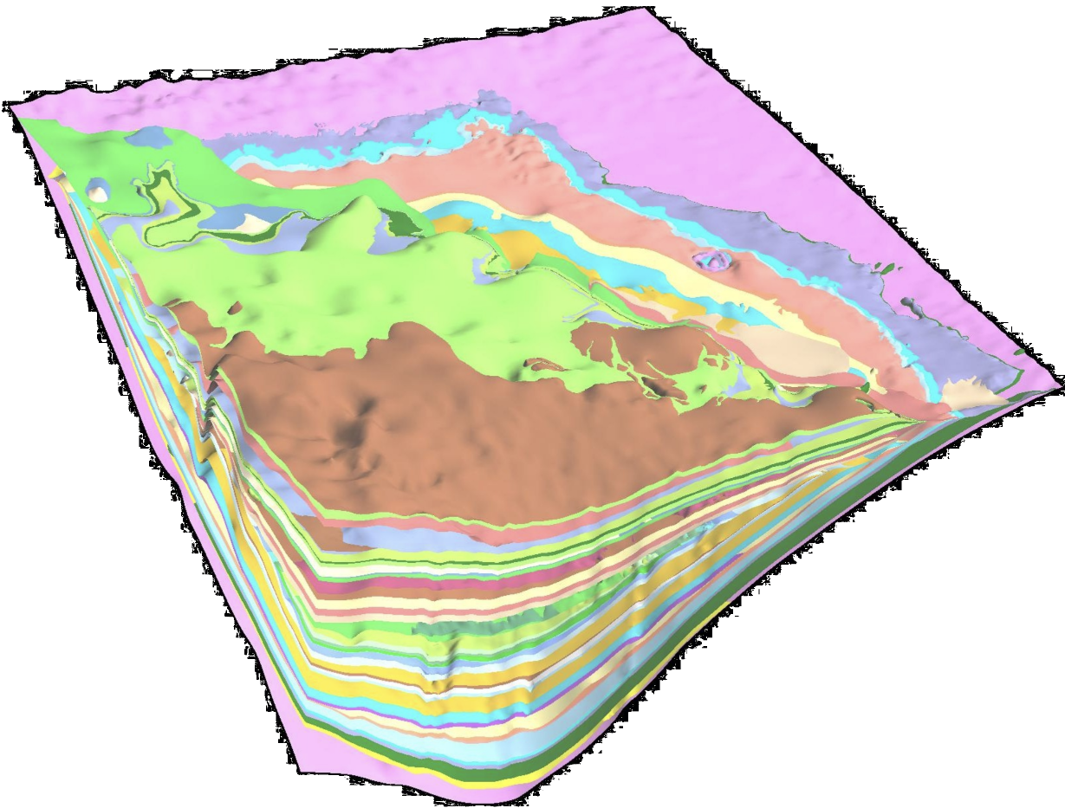
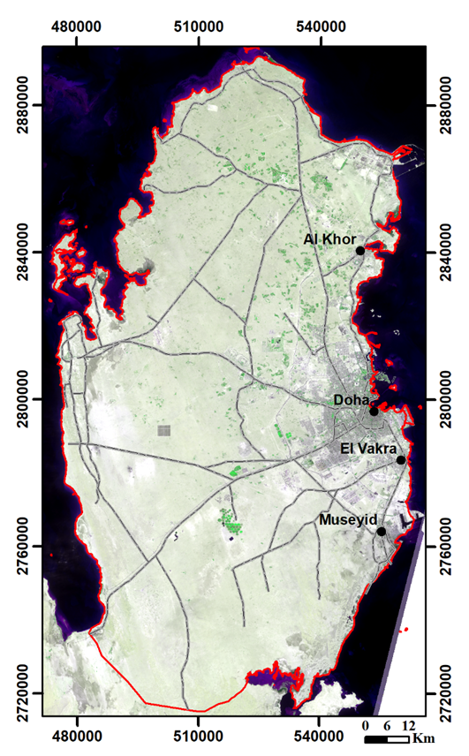
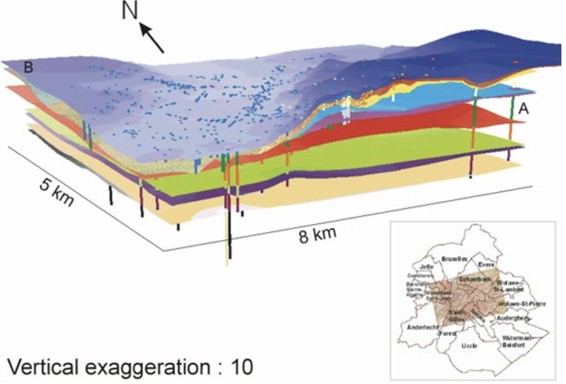
The aim of this task is to develop a 3D geologic model (or models) for the areas of greater Doha, Lusail-Al Khor, Al Wakra-Messaied. For this purpose, at first, the spatial data layers (input data) such as geological maps, borehole data, drill logs, cross-sections, geophysical maps, lab data, and remote sensing data to be used to develop 3D geologic model.
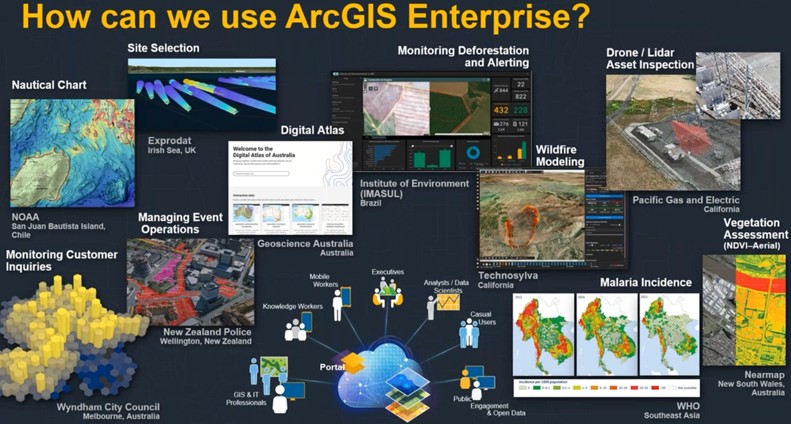
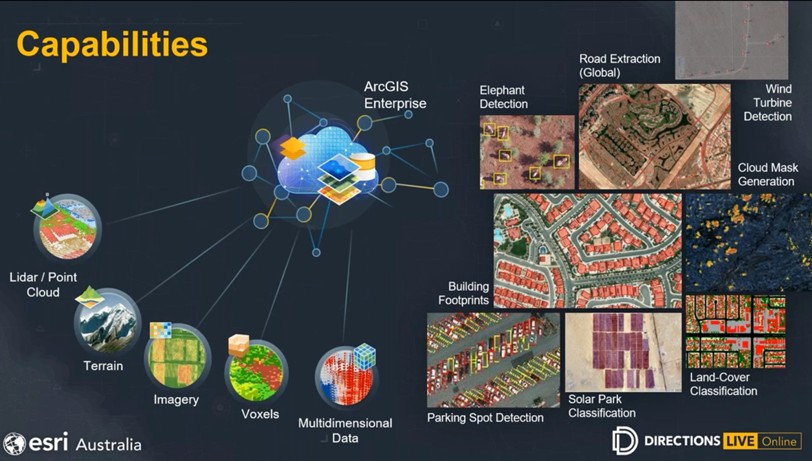
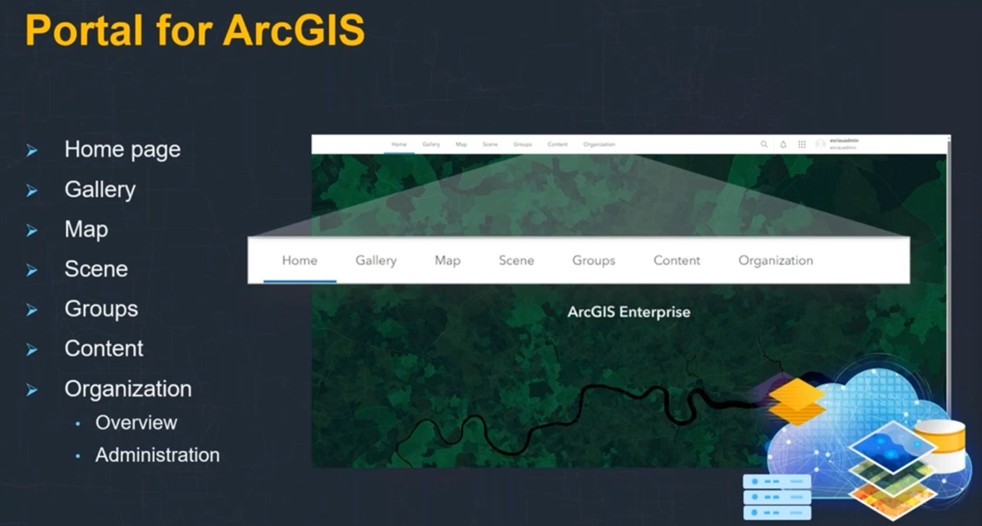
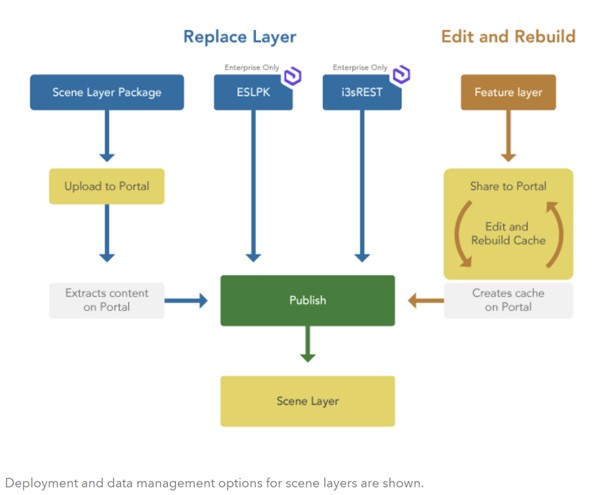
All input data will be provided and transferred to the selected GIS software environment for modeling. A 3D geologic model (3DGM) will be developed in the GIS environment, and the 3DGM model will be implemented into a web-based environment (geoportal).
3DGM will be carried out in following stages;
STAGE I- Main Software to be utilized for 3D geologic modelling:
ArcGIS Pro ArcScene ArcMap Extension/toolbox for ArcGIS: Aquaveo Arc Hydro Groundwater (AHGW)
STAGE II- Input Data and Sources:
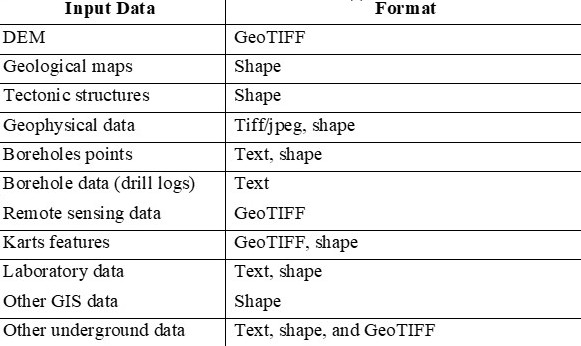
GRDB database Existing data from QGMP Phase I studies Data to be gathered from QGMP Phase II studies The possible spatial data layers anticipated to be usedas input data in 3DGM are given below. Digital elevation model (DEM) Geological maps (lithological units) Tectonic structures Geophysical data Points of boreholes Data from boreholes (drill logs) Karst features (raster or vector format) Hydrogeological data Remote sensing data Laboratory data Other GIS data (settlements, rivers, etc.) Other available underground and surface data
STAGE III- Preparing Input Data for 3DGM:
Lithological units Tectonic structures (folds, faults) Geophysical data Borehole points Drill logs Settlements Rivers, hdyrogeological data Karst features Cavern Other data
STAGE IV- Design and Development of 3DGM
Surface geology
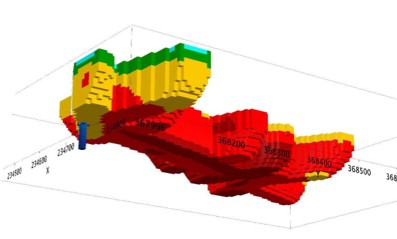
Subsurface geology
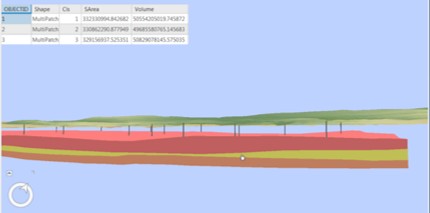
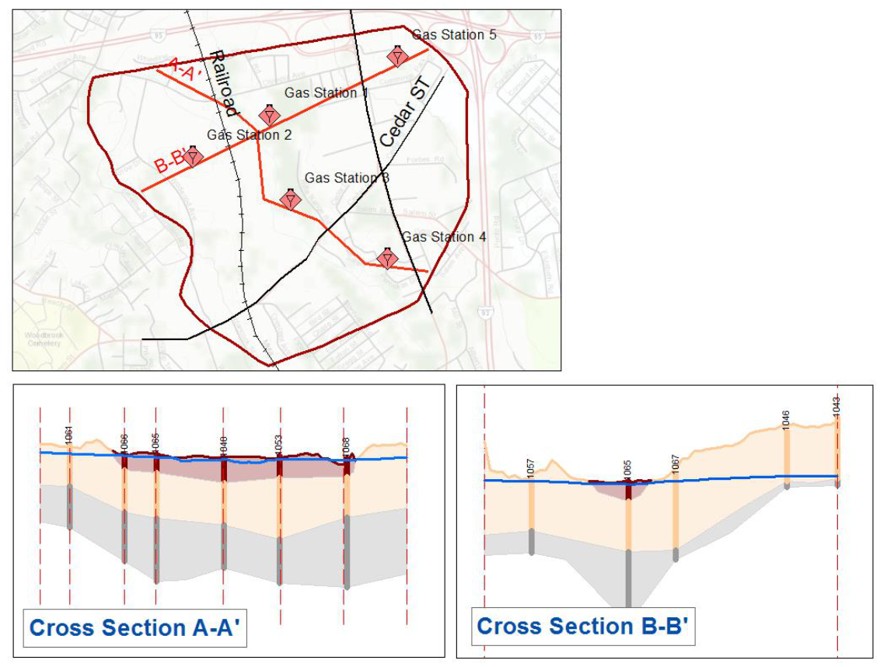
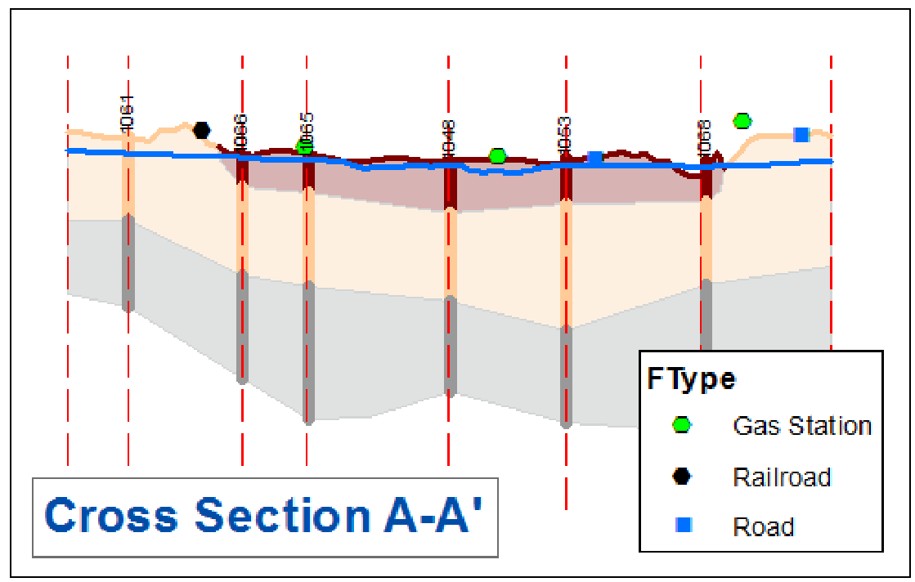
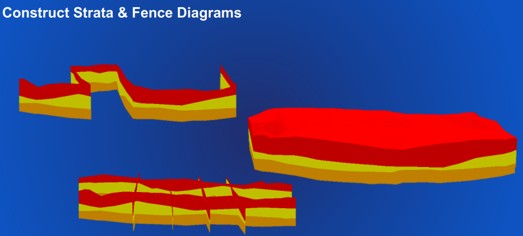
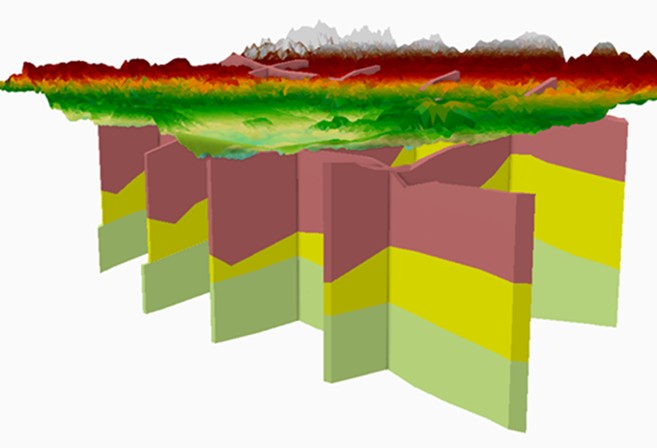
Cross sections
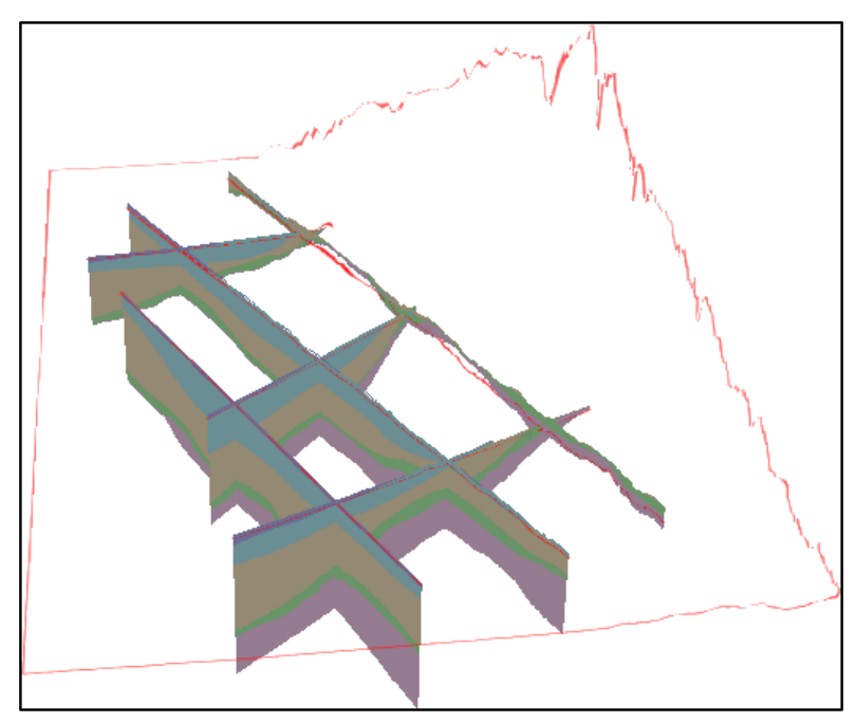
Fence Diagram
Geophysical Data
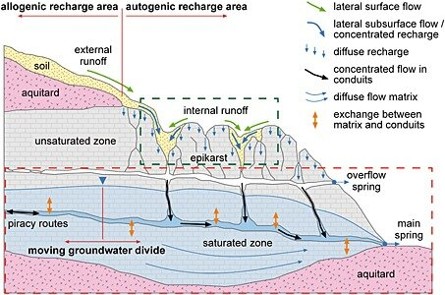
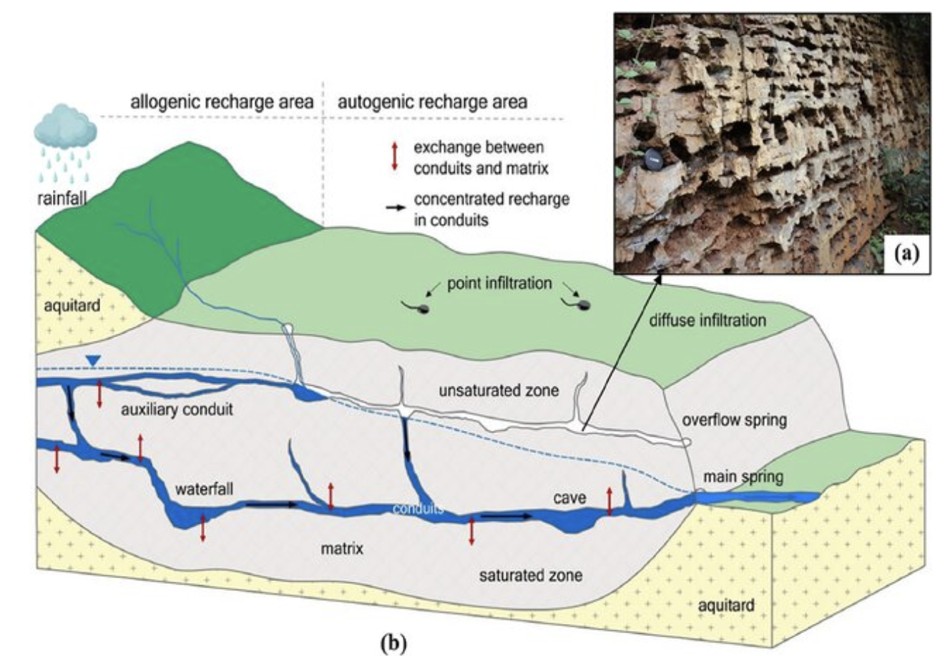
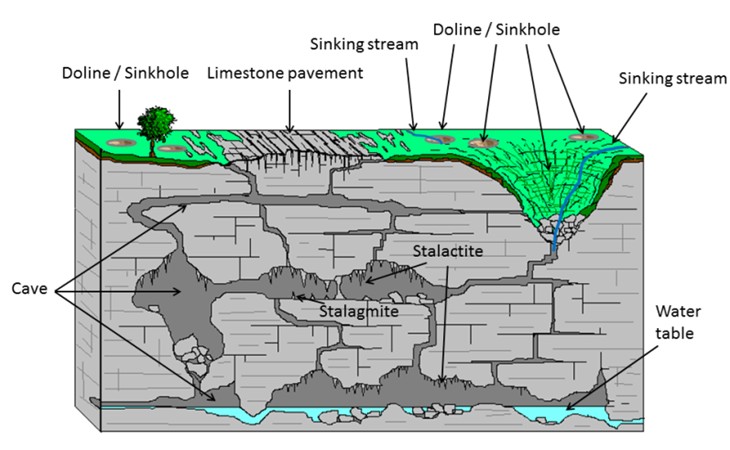
Kastic/cavern Data
STAGE V- Implement in a Web-based
Key features:
Creating web scenes that can be used in custom web, desktop, and native applications.
Exploring data in ArcGIS Geoportal.
Defining basemap and data layers for a scene.
Displaying data in 3D from feature services, vector tile services, image tile services, and other services.
Displaying 3D data from scene services.
Configuring layer styles and labels.
Creating global and local visualizations of 3D data.